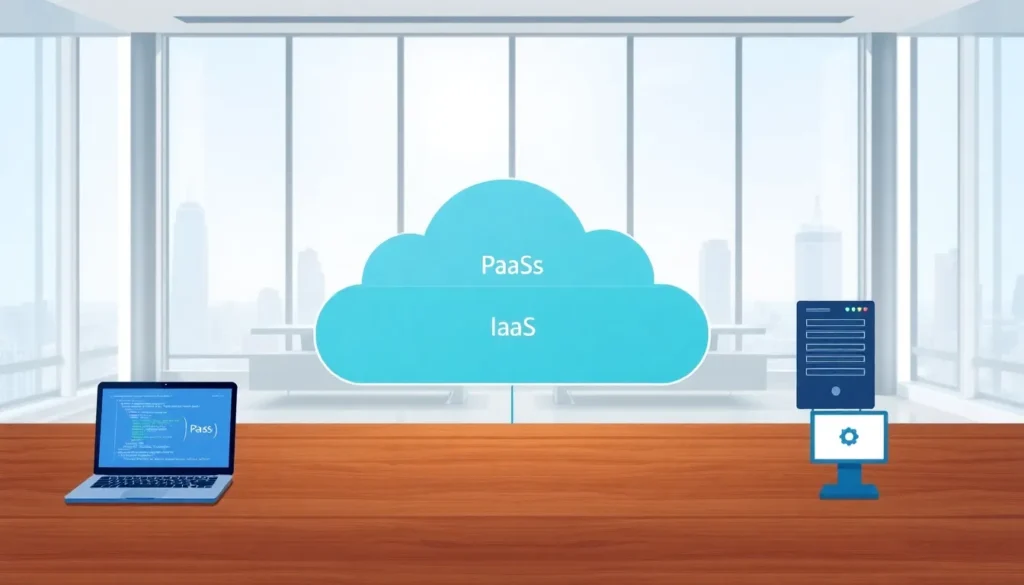

PaaS vs IaaS vs SaaS, these three cloud service models power modern business technology, yet many organizations struggle to distinguish between them. Each model offers different levels of control, flexibility, and management responsibility. Platform as a Service (PaaS) sits in the middle of the spectrum, providing developers with tools to build applications without managing underlying infrastructure. Infrastructure as a Service (IaaS) gives users the most control over virtual resources, while Software as a Service (SaaS) delivers ready-to-use applications. This guide breaks down the PaaS vs IaaS and PaaS vs SaaS comparisons to help businesses select the right cloud solution.
Table of Contents
ToggleKey Takeaways
- PaaS vs IaaS comes down to control: IaaS gives full infrastructure management, while PaaS handles the OS, middleware, and runtime so developers can focus on code.
- PaaS vs SaaS targets different users—PaaS serves developers building custom applications, while SaaS delivers ready-to-use software for end users.
- Choose PaaS when development speed and automatic scaling matter more than infrastructure control.
- IaaS offers maximum flexibility for organizations needing custom OS configurations or legacy application hosting.
- SaaS is ideal when a ready-made solution fits business needs and minimal IT overhead is the goal.
- Many organizations combine all three cloud models to balance flexibility, speed, and management simplicity.
What Is PaaS?
Platform as a Service (PaaS) provides a complete development and deployment environment in the cloud. Developers use PaaS to build, test, and launch applications without worrying about servers, storage, or networking.
A PaaS provider manages the underlying infrastructure. This includes operating systems, middleware, runtime environments, and development tools. Users focus entirely on writing code and managing their applications.
Common PaaS examples include Google App Engine, Microsoft Azure App Service, and Heroku. These platforms offer pre-configured environments for popular programming languages like Python, Java, Node.js, and Ruby.
Key Features of PaaS
- Development frameworks: Built-in tools and libraries speed up application creation
- Database management: Integrated database services eliminate manual setup
- Automatic scaling: Resources adjust based on application demand
- Collaboration tools: Multiple developers can work on projects simultaneously
- Security patches: The provider handles updates and security fixes
PaaS works well for development teams that want to reduce time spent on infrastructure management. It bridges the gap between raw infrastructure and finished software products.
PaaS vs IaaS
The PaaS vs IaaS comparison centers on control and responsibility. IaaS provides virtualized computing resources, servers, storage, and networks, that users manage themselves. PaaS adds another layer by also handling the operating system, middleware, and runtime.
Control and Flexibility
IaaS offers maximum flexibility. Organizations can install any operating system, configure network settings, and customize virtually every aspect of their infrastructure. Amazon Web Services EC2, Google Compute Engine, and Microsoft Azure Virtual Machines are popular IaaS examples.
PaaS trades some flexibility for convenience. Users cannot modify the underlying operating system or runtime environment. But, they gain faster deployment times and reduced operational burden.
Management Responsibilities
| Aspect | IaaS | PaaS |
|---|---|---|
| Servers | User manages | Provider manages |
| Storage | User manages | Provider manages |
| Operating System | User manages | Provider manages |
| Middleware | User manages | Provider manages |
| Runtime | User manages | Provider manages |
| Applications | User manages | User manages |
| Data | User manages | User manages |
Cost Considerations
IaaS typically costs less per resource unit, but organizations must factor in management overhead. System administrators, security specialists, and DevOps engineers add to total costs.
PaaS often reduces total cost of ownership for development-focused teams. The provider handles patching, updates, and scaling operations that would otherwise require staff time.
Best Use Cases
IaaS suits organizations that need:
- Full control over their computing environment
- Custom operating system configurations
- Legacy application hosting
- Variable workloads with specific hardware requirements
PaaS fits teams that prioritize:
- Rapid application development
- Reduced infrastructure management
- Built-in scaling capabilities
- Standardized development environments
PaaS vs SaaS
The PaaS vs SaaS distinction comes down to who uses the product. PaaS serves developers who build applications. SaaS serves end users who consume finished applications.
Target Users
PaaS customers are software developers, development teams, and IT departments. They use platforms to create custom applications for their organizations or clients.
SaaS customers are business users, employees, and consumers. They access applications through web browsers or mobile apps without any development knowledge. Examples include Salesforce, Google Workspace, Slack, and Zoom.
Customization Options
PaaS allows extensive customization. Developers write code, design databases, and create unique application logic. The final product can be anything the development team imagines.
SaaS offers limited customization. Users configure settings, add integrations, and adjust preferences within the application’s boundaries. They cannot modify the core software.
Maintenance and Updates
Both models shift maintenance to the provider, but at different levels:
- PaaS: Provider maintains infrastructure, OS, and runtime. Users maintain their applications.
- SaaS: Provider maintains everything, including the application itself.
Pricing Models
PaaS pricing usually ties to resource consumption, compute hours, storage used, or API calls made. Costs scale with development activity and application usage.
SaaS pricing typically follows a subscription model based on users or features. Organizations pay monthly or annually for access to the software.
When PaaS Beats SaaS
PaaS makes sense when:
- No existing SaaS product meets specific business requirements
- The organization has development resources available
- Custom integration with internal systems is essential
- Intellectual property concerns prevent using third-party software
When to Choose Each Cloud Service Model
Selecting between PaaS vs IaaS vs SaaS depends on technical requirements, team capabilities, and business goals.
Choose IaaS When:
- The IT team needs complete control over infrastructure
- Applications require specific operating system versions or configurations
- The organization runs workloads with unpredictable resource needs
- Compliance requirements demand custom security setups
- Legacy systems must migrate to the cloud without modification
Choose PaaS When:
- Development speed matters more than infrastructure control
- The team wants to focus on code rather than server management
- Applications need automatic scaling during traffic spikes
- Multiple developers collaborate on the same projects
- The organization lacks dedicated infrastructure specialists
Choose SaaS When:
- A ready-made solution fits the business need
- Quick deployment is the priority
- The organization has no development team
- Standard industry tools suffice for operations
- Minimal IT overhead is the goal
Hybrid Approaches
Many organizations use multiple cloud models together. A company might run its CRM on SaaS (Salesforce), build custom applications on PaaS (Heroku), and host specialized workloads on IaaS (AWS EC2). This combination provides flexibility while minimizing management complexity where possible.